
DSWD programs such as 4Ps, social pension, AICS, and more recently, UPLIFT — involve the provision of financial assistance to qualified beneficiaries. Over the years, the department has established a database of existing clients, to ensure that its services reach the intended recipients.
To enhance the delivery of these programs and services, the BBM Serbisyo Portal was launched. This is an online system that helps verify the identity of DSWD program beneficiaries and update its database. This way, duplicate records, as well as fraud applications, can be avoided.
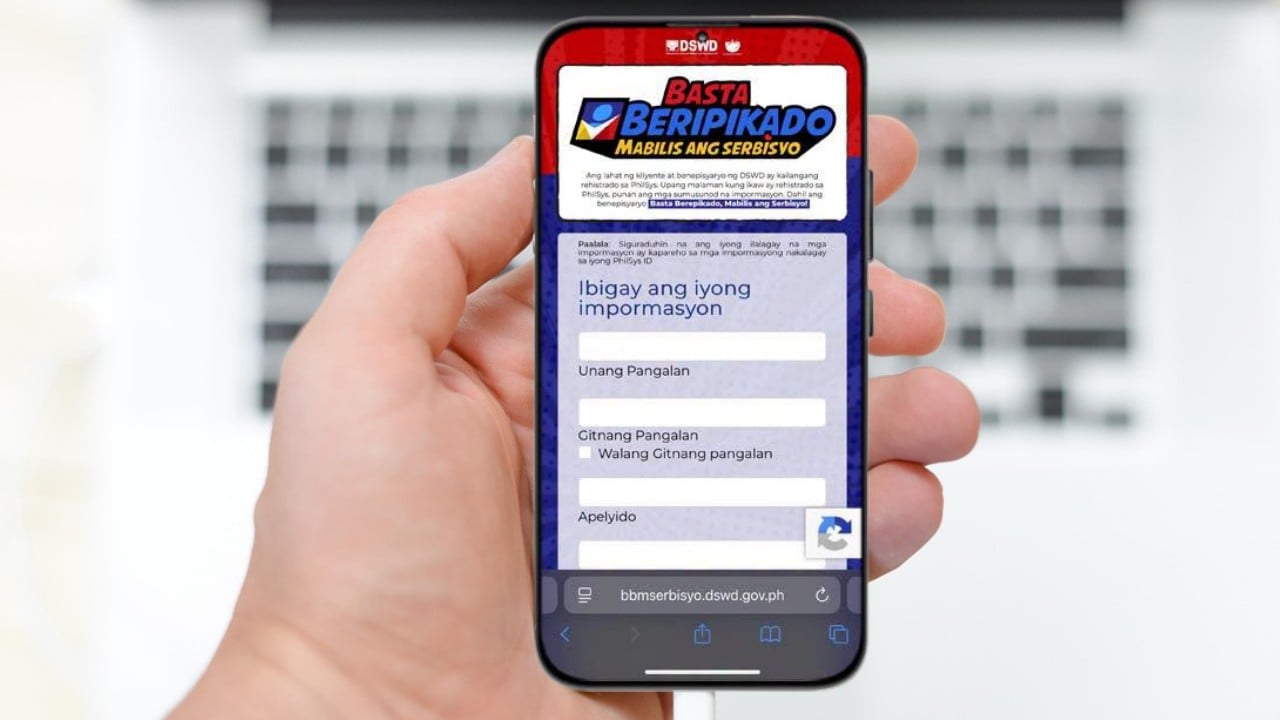
What is the BBM Serbisyo Portal?
BBM Serbisyo stands for “Basta Beripikado, Mabilis ang Serbisyo.” The main purpose of this platform is to verify the identity of DSWD program beneficiaries, particularly by checking their registration under the Philippine Identification System or PhilSys.
By verifying people’s PhilSys Card Numbers (PCNs), the BBM Serbisyo Portal validates their beneficiary profiles in the DSWD Social Registry, thus preventing cases of fraud, duplicate records, and fictitious identities.
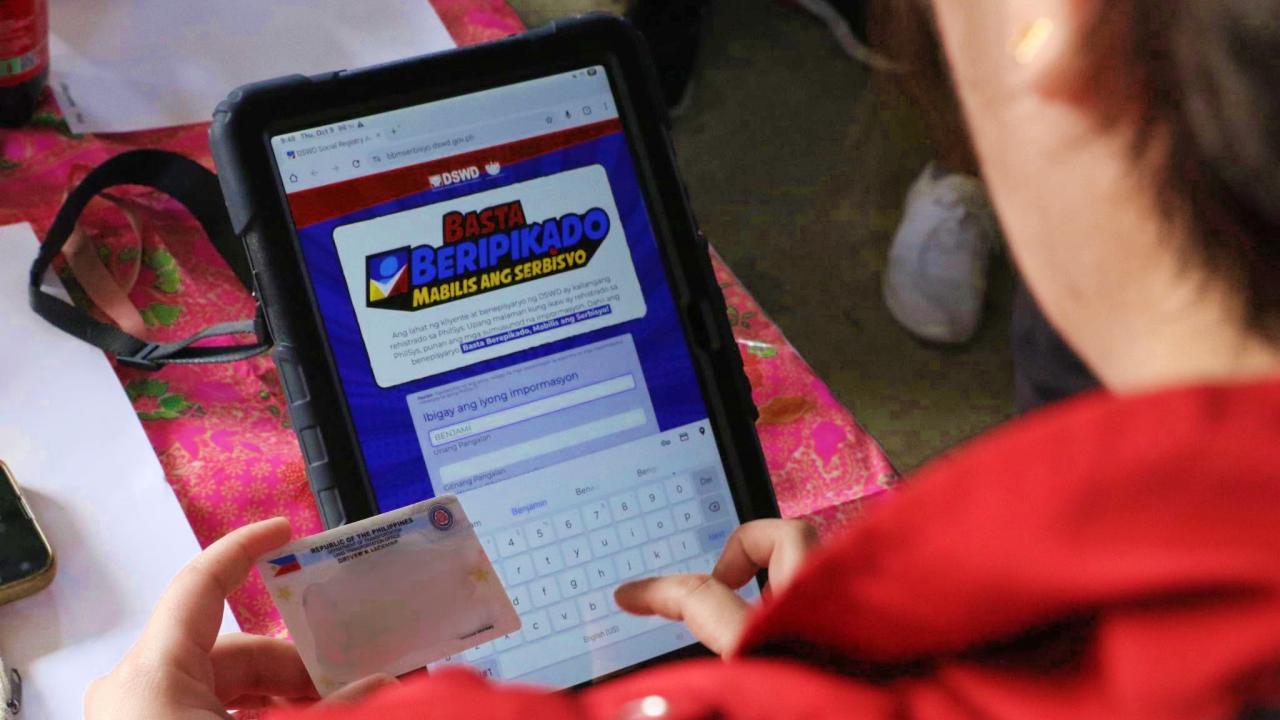
Who Can Use the Portal?
The BBM Serbisyo Portal may be used by existing clients and beneficiaries of DSWD programs.
Requirements
Since the BBM Serbisyo Portal links directly to the PhilSys database, there’s no need to upload or submit any documents. However, the beneficiary must be officially registered under PhilSys and have a National ID, be it a physical card, the paper “ePhilID,” or a digital National ID.
Before using the portal, beneficiaries also need to have an active mobile number, and a mobile phone, tablet, or computer with Internet access.
Steps to Register
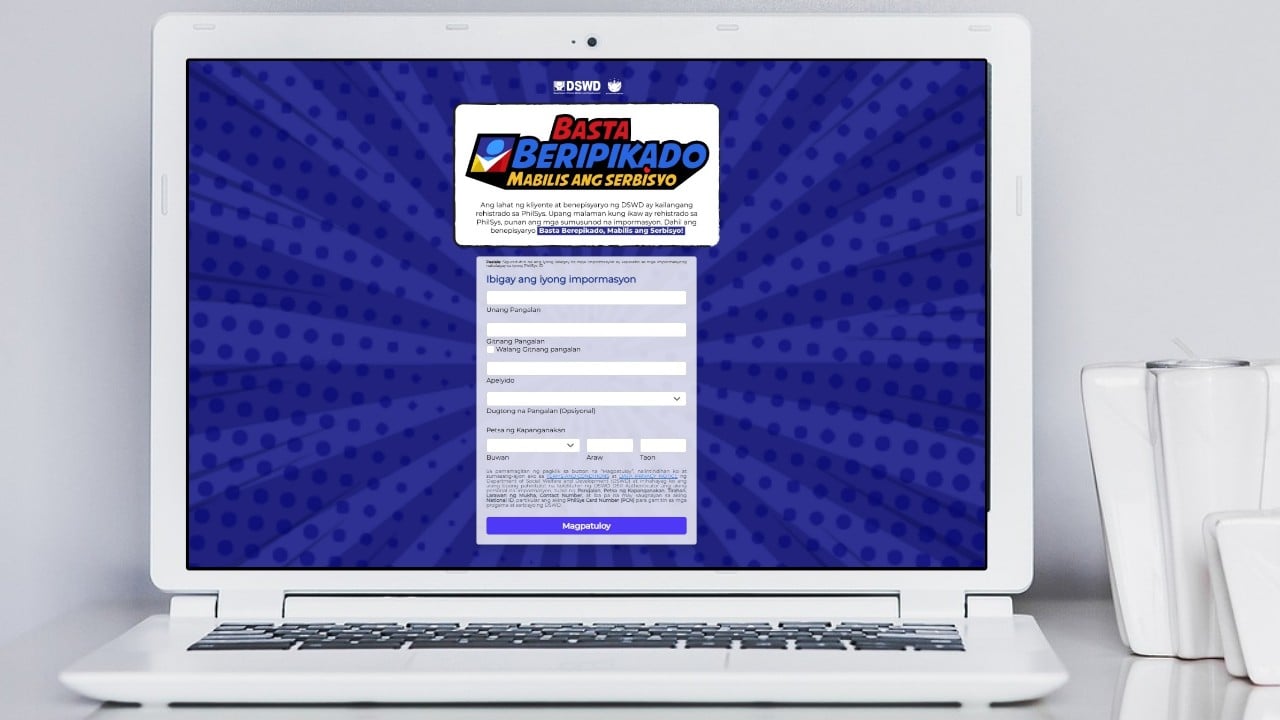
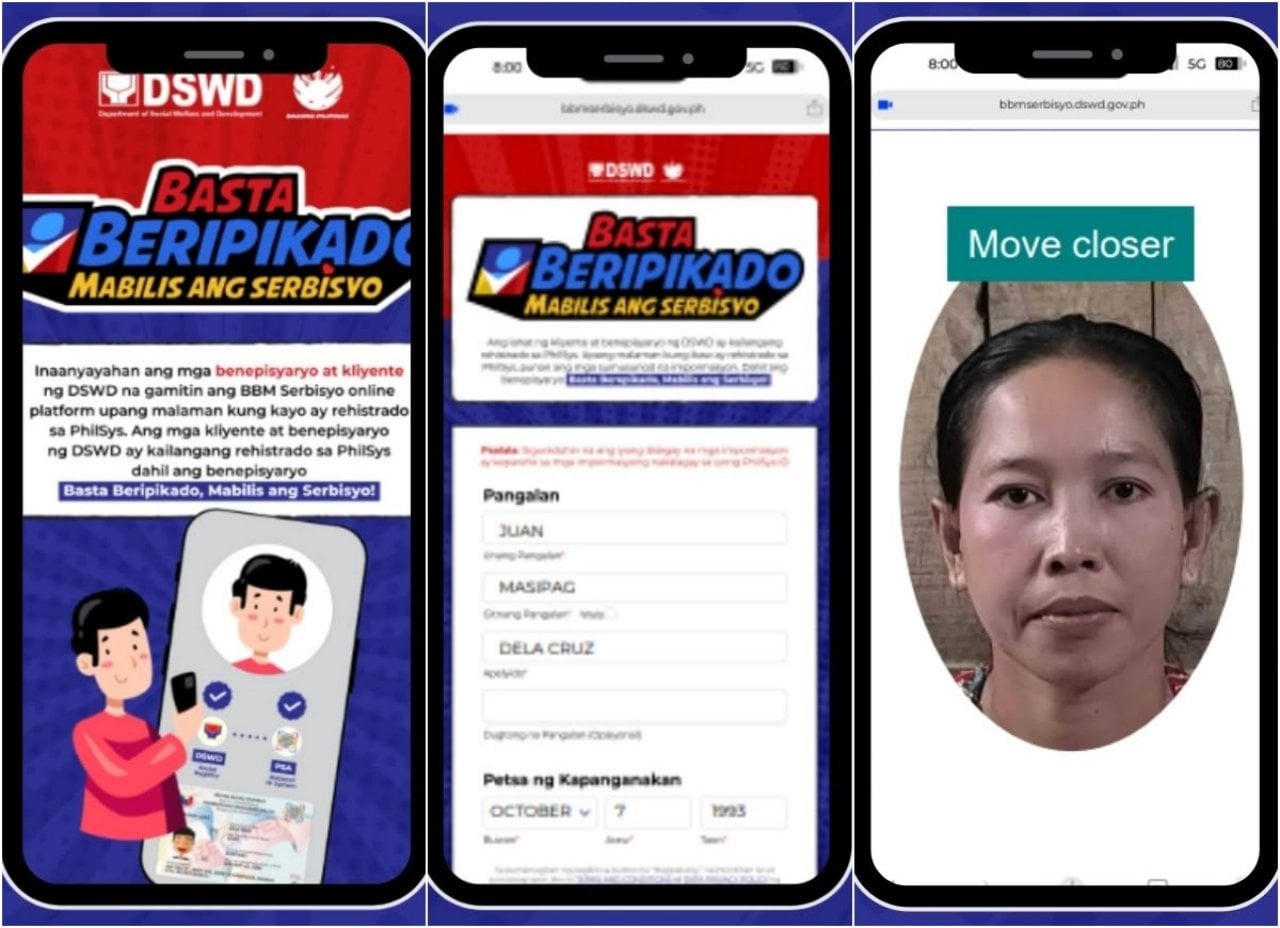
Here is a step-by-step guide for DSWD beneficiaries to register on the BBM Serbisyo Portal:
- On your mobile phone, tablet, or computer, open the Internet browser and go to https://bbmserbisyo.dswd.gov.ph/.
- Enter the required personal details, such as your full name and date of birth. Read and agree with the Data Privacy and Terms conditions, before clicking “Magpatuloy” (Continue).
- Take a “live selfie” by following the on-screen instructions. This will help verify your identity and PhilSys record.
- Enter your mobile number to receive a One-Time Password (OTP) for final verification. That’s it!
Reminders
To ensure a successful registration, use an updated browser like Google Chrome or Microsoft Edge when opening the BBM Serbisyo Portal. Likewise, make sure that you are in a bright, well-lit environment when doing the “live selfie,” so that biometric capturing goes smoothly.
For more information about the online platform, visit the nearest DSWD office, or send an email message to socialregistry@dswd.gov.ph.
Video: How to Access BBM Serbisyo Portal
Watch this video to learn more about the BBM Serbisyo Portal, how it works, and how DSWD beneficiaries can access it:
Notably, BBM Serbisyo may also be used in enrolling accounts to the DSWD UPLIFT G2P Portal, a platform for program beneficiaries. If you’re an UPLIFT Cash Assistance beneficiary (Group 2 category), check out this guide on how to register an account to receive UPLIFT cash aid.